
 English
 Bengali
OKEGO Login — Sign In & Open a New Account
Maybe your neighbour told you about OKEGO, maybe you spotted the ads during a big cricket night, and now you're parked at the sign-in screen scratching your head. Happens to everyone.
Truth is, logging into OKEGO only takes about ten seconds once you know where things sit, and creating a fresh account isn't much longer. Let me walk you through it the way I'd break it down for a friend over cha.
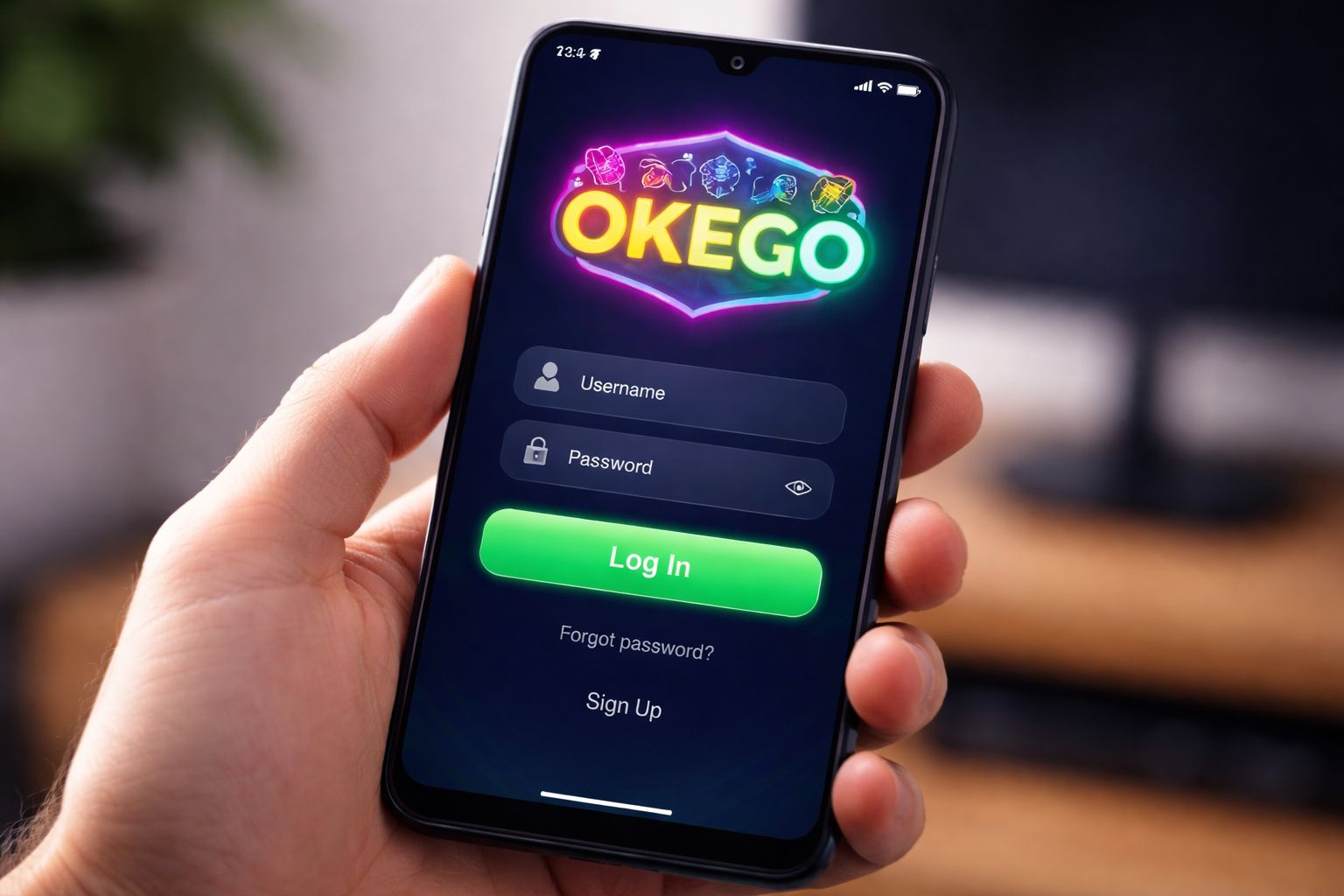
🔑 How to Log In to OKEGO
Fire up the site or the app, glance at the top-right corner, and you'll see a bright Login button waiting there. Give it a tap.
Type in your username (or the phone number you registered with) plus your password, hit confirm, and that's it — you're inside the lobby. Done and dusted.
Three ways to sign in:
| Method | Requires | Average Speed |
|---|---|---|
| Username + password | Standard typing | ~10 sec |
| Phone number + password | Standard typing | ~10 sec |
| Biometric (app only) | Fingerprint or face scan | ~2 sec |
Quick heads-up players usually miss: if you tapped login on a friend's phone or an office computer, uncheck the "keep me logged in" option. Small step, saves a lot of stress later.
Once you're signed in, head straight over to the casino lobby or check what's new in slots.
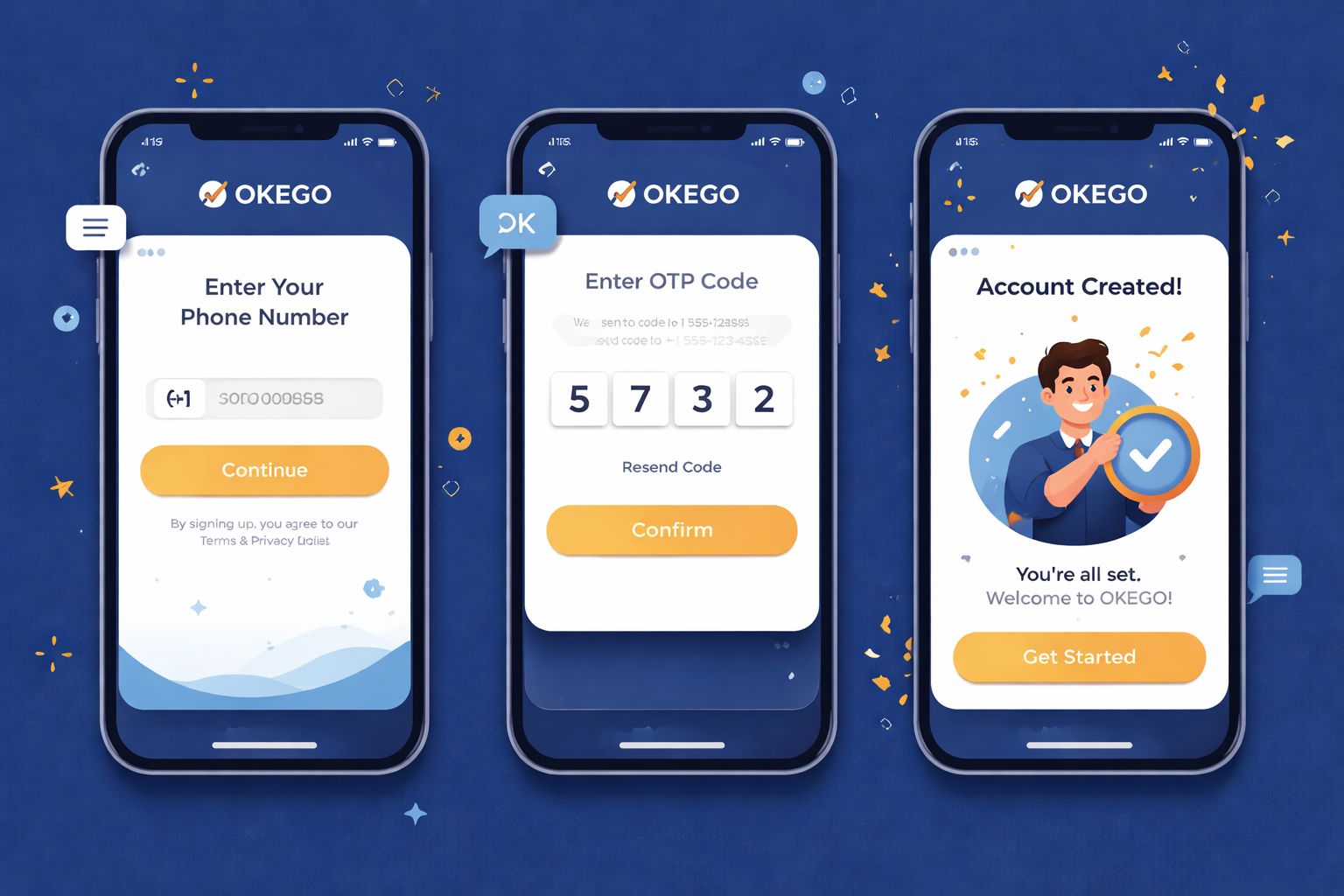
📝 Opening a New Account
Don't have an OKEGO account yet? Registration is short and painless. Here's what you'll need on hand:
- ✅ A working Bangladesh mobile number
- ✅ A payment wallet you actually use (bKash, Nagad, or Rocket)
- ✅ Around 2 minutes of your time
Here's how it goes:
- Tap the Register button in the top corner of the site or app
- Type in your Bangladesh mobile number — use the same one linked to your bKash or Nagad wallet (this matters later when it's time to cash out)
- Create a strong password — mix uppercase, lowercase, numbers, and one symbol
- Fill in your name — exactly as it appears on your NID card
- Pick BDT as your account currency
- Drop in a promo code if you've got one — this activates the welcome bonus
- Confirm the OTP that arrives on your phone by SMS
- Tap Finish — your account is now active and ready
Once you're in, feel free to explore the games library or scroll through sports betting markets before topping up a single taka. Zero pressure.
What you don't need during signup:
- ❌ Email confirmation (skip now, add later if you want)
- ❌ NID upload (only asked for before your first cashout)
- ❌ Selfie or KYC video (only required for withdrawals over ৳10,000)
- ❌ Home address proof (never requested at registration)
That's a lighter barrier than most Bangladesh gaming platforms I've walked through.
🔒 Keeping Your Account Safe
Your OKEGO account is essentially a digital wallet — treat it that way and you'll dodge most trouble.
Do this:
- ✅ Pick a password that's unique to OKEGO — don't recycle your Facebook one
- ✅ Switch on 2FA (two-factor authentication) in your settings — you'll get a code by SMS or email whenever a new device signs in
- ✅ Enable biometric login on the Android app — fingerprint or face unlock
- ✅ Sign out of shared devices — including your cousin's tablet
- ✅ Peek at your login history every month (Settings → Security → Login Activity)
Avoid this:
- ❌ Handing your login details to anyone — not even trusted friends
- ❌ Storing your password in Chrome on a public library computer
- ❌ Clicking password reset links you didn't request — always type oke-go.com manually
- ❌ Playing for real money on unsecured cafe wifi — use mobile data instead
- ❌ Trusting Telegram DMs from anyone claiming to be OKEGO support — real support only exists inside the site and app
Phishing warning: if you get an SMS or email pretending to be from OKEGO with a login link, read the URL carefully. The real domain is oke-go.com — anything with weird extras like "okego-promo.com" or "okego-login-official.net" is a scam trying to grab your credentials.
❓ Recovering a Lost Password
Password slipped your mind? Happens to the best of us. Here's the quickest way back in:
- Tap "Forgot Password" right on the sign-in screen
- Enter the phone number you registered with
- Wait for the SMS with a 6-digit verification code
- Punch in the code on the recovery page
- Choose a fresh password
- Sign in with the new credentials
The whole recovery flow eats about 2 minutes of your time. Codes go stale after 10 minutes, so act reasonably quickly.
If the SMS never shows up:
- Confirm your phone has actual signal (SMS relies on cellular, not wifi)
- Hold on 60 seconds and hit "Resend code"
- Try email recovery if you attached an email to your profile
- Ping live chat as a last resort — they can verify you via NID and reset manually
If you've lost the phone number too:
Reach out to support with:
- Your registered full name
- Roughly when you signed up
- Amount and method of your last deposit (bKash/Nagad transaction ID helps)
- A clear photo of your NID for verification
The team will manually confirm your identity and either reset the account or shift it to a new phone number. Expect around 24–48 hours because they're being thorough — which is genuinely a good thing when money is involved.
📱 Mobile vs Desktop Access
Both work fine. Different vibes though:
- Mobile browser (Chrome, Safari):
- ✅ Runs on any phone, any operating system
- ✅ Nothing to install
- ✅ Everything works
- ❌ No fingerprint login
- ❌ A touch slower than the app on 4G - Android app:
- ✅ Biometric sign-in (fingerprint or face)
- ✅ Push alerts for bonuses and results
- ✅ Cleaner live dealer streams
- ✅ Faster switching between sections
- ❌ Android only for now (no iOS build yet)
- ❌ Needs "unknown sources" install permission - Desktop browser:
- ✅ Larger screen — perfect for juggling multiple cricket markets
- ✅ Streams look sharper on a laptop panel
- ✅ Full feature access
- ❌ No biometric login
- ❌ Not portable, obviously
Most players around Dhaka lean on mobile — either the Android app or Safari on iPhone. I only switch to desktop when I'm running a few markets during a T20 match at once.
🛟 Login Assistance
Locked out or something feels off? Three ways to get hold of the OKEGO team:
- 1. Live chat — the little bubble at the bottom-right of every page
- Open 24/7 in English and Bangla
- Reply time: usually under 3 minutes
- Best for fast issues (forgot password, missing OTP) - 2. Email — [email protected]
- Reply time: 4–12 hours
- Best when you need to attach documents or screenshots
- Screenshots always speed things up - 3. Official Telegram channel
- Use only the one linked from the actual site — every other one is fake
- Reply time: 10–30 minutes
- Best for general questions or community help
Real OKEGO staff will never ask for your password. If anyone claiming to be from support requests it, block them and report the message. No exceptions.
❓ FAQ
Answers to the questions players ask most often about signing in, registering, OTP delivery, and account verification at OKEGO.
Just enter your Bangladesh phone number and verify the OTP. Whole thing takes about 2 minutes. No paperwork required at the signup stage.
Yes, up to 2 devices simultaneously. If you push past that, a security check kicks in and you'll need to verify with an SMS code.
Wait a full minute and press "Resend". Still nothing? Switch off wifi and try over mobile data (some routers block Bangladeshi SMS gateways). If resend also fails, contact live chat.
Yes. There's SSL encryption, optional 2FA, biometric login inside the app, and login history you can review in your settings. Turn on 2FA for an added layer.
Yes, but it needs verification. Go to Settings → Personal Info → Change Phone. You'll be asked to confirm both the old and new numbers with OTP codes.
Not at all. KYC is only requested before your first withdrawal above ৳10,000 or if security systems flag your account. Registration is just phone plus password.
Message support through live chat. They'll verify you via NID and process the closure within 7 days. Any leftover balance is refunded to your registered payment wallet first.
Your account locks for 30 minutes after 5 wrong tries. Use "Forgot Password" to reset — that skips the lockout timer entirely.
💭 Final Word
Signing in and registering at OKEGO is about as smooth as it gets in the Bangladesh online gaming space. The phone-only signup genuinely beats competitors that still insist on email plus address before you've even seen the lobby.
If you hit a wall, live chat is the shortest route to a fix. The team replies in Bangla, and I've never sat waiting longer than 5 minutes for a response — even during late-night sessions.
Pick a solid password, flip on 2FA, and if you're on Android grab the OKEGO app for biometric access. That's the routine that keeps my account tidy and locked down.