 English
 Bengali
OKEGO App — Grab the Mobile Version for Android
Want the casino on your phone? Good call. I've been running OKEGO from my Android for a few months, and the app handles live cricket action and crash titles noticeably better than any mobile browser could pull off.
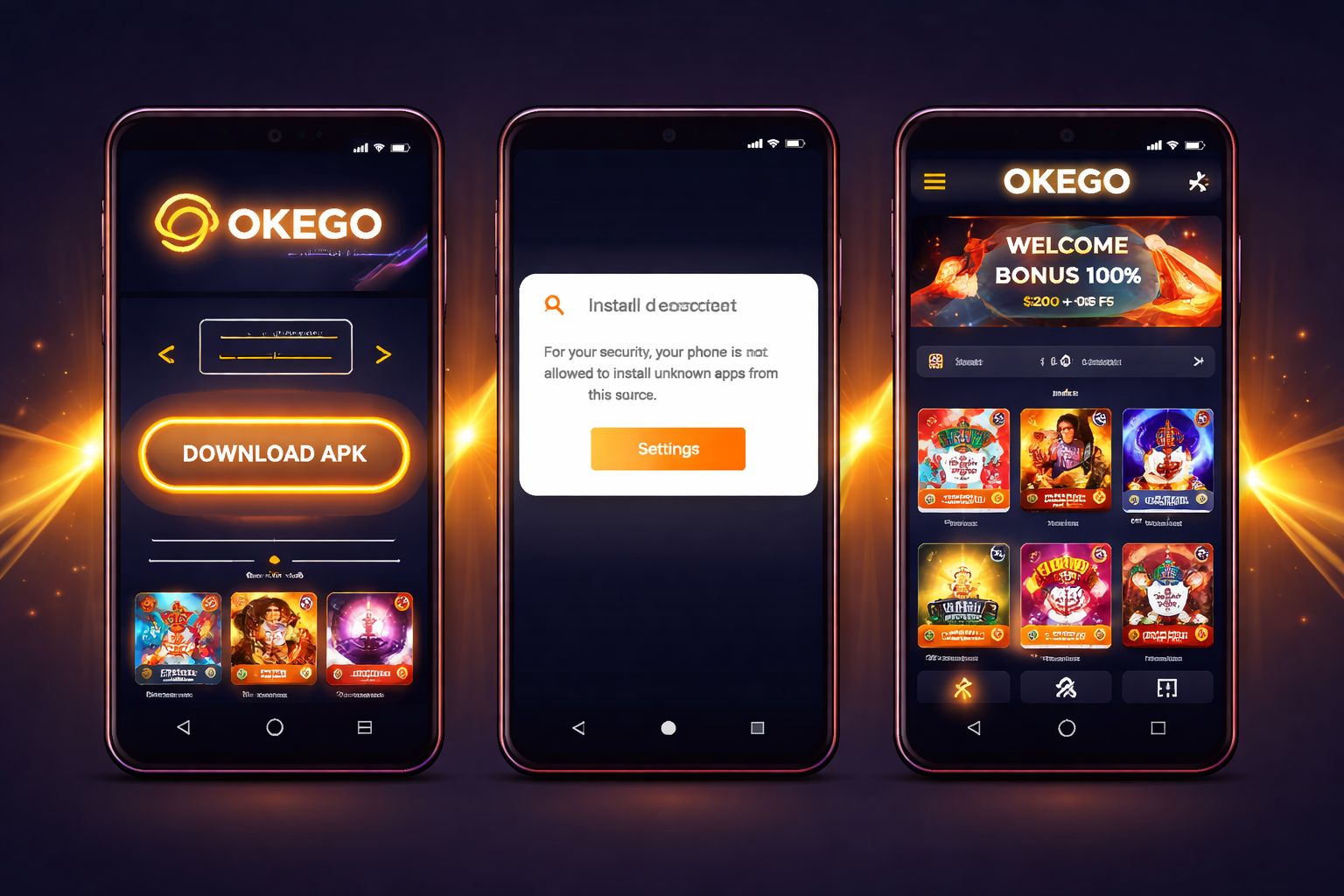
📲 Where to Grab the OKEGO App
Don't waste time looking on Google Play. That's expected — Google doesn't list betting apps in Bangladesh's store region. It's not a red flag, just a policy thing.
Instead, open the official OKEGO website. The download button is right at the top navigation and again in the footer. One tap and the file starts saving.
Technical specs at a glance:
| Spec | Value |
|---|---|
| File size | 26 MB |
| Format | APK (Android installer) |
| Minimum OS | Android 6.0 or above |
| Current version | 4.1.0 |
| Update schedule | Rolling (every 5–7 weeks) |
| Digital signature | Verified by OKEGO engineering |
One golden rule before starting: only pull the APK from the actual OKEGO domain at oke-go.com. Those shady mirror sites floating around WhatsApp groups? Ignore them completely. They repack files with malware or fake login overlays designed to swipe your credentials.
You'll always find the current build on the official app download page.
🤖 Installing the APK on Android
Android is the simple path. Most Bangladeshi players are on Android anyway, so the flow will feel familiar. Total time: roughly 90 seconds.
Follow these steps:
- Tap the Android download link on the OKEGO site — the .apk file lands in your Downloads folder
- Enable installs from unknown sources — one-time setup: - Older Android (6–7): Settings → Security → toggle "Unknown sources" on - Newer Android (8+): A dialog appears asking "Allow from this source?" — tap Allow
- Open the .apk either from the notification bar or through your file manager
- Hit Install — completes in 20–40 seconds
- Launch the app, sign in or register a new account, and you're ready to go
Whole install wrapped in under two minutes on an older Samsung A32. No stutters, no error messages.
Permission requests explained:
| Permission | Why it asks | Should you allow? |
|---|---|---|
| Storage | Store APK, cache game files | ✅ Yes |
| Notifications | Bonus alerts, match reminders | 🟡 Optional — app functions either way |
| Camera | KYC selfie during withdrawal setup | 🟡 Only during identity verification |
| Location | Match region to your registered country | 🟡 Helps verification but not mandatory |
| Contacts | Never requested — cancel install if asked | ❌ No |
The legitimate app never asks for SMS, call logs, or contact permissions. If a downloaded APK requests those — you've grabbed a fake copy.
🍏 iPhone & iPad — Here's the Deal
The tough news: there's no dedicated iOS build. Apple's App Store doesn't greenlight gambling apps in Bangladesh, so OKEGO (like every other Bangladeshi casino) can't distribute one.
The good news: the mobile web build runs beautifully on Safari. Just open oke-go.com and everything works:
- ✅ Complete slot catalogue
- ✅ Live dealer tables
- ✅ Cricket and football in-play markets
- ✅ bKash, Nagad, and Rocket deposits and cashouts
- ✅ Push alerts (once you add the site to your home screen)
Add the site to your home screen — makes it look and feel like a real app:
- Open Safari and navigate to oke-go.com
- Tap the Share icon (square with an upward arrow)
- Scroll down the sheet and select "Add to Home Screen"
- Label it "OKEGO" and confirm with Add
- The icon now sits on your home screen alongside your other apps
Streaming quality and game responsiveness match the Android app closely. The only trade-off is missing out on the app-exclusive bonus (details further down).
⚡ Why the App Beats the Browser
Do you actually need the app when mobile web works fine? Reasonable question. Here's what I noticed after switching over:
Performance gains:
- 🚀 Section loads are quicker (about 2 seconds versus 4–5 in browser)
- 🚀 Live dealer streams boot faster with less buffering
- 🚀 Bet slip refreshes silently without full page reload
Extra functionality:
- 📱 Fingerprint and face unlock — no more typing passwords
- 🔔 Push alerts for promos, cash-out windows, and match kickoffs
- 💾 Offline access to your betting history and transaction log
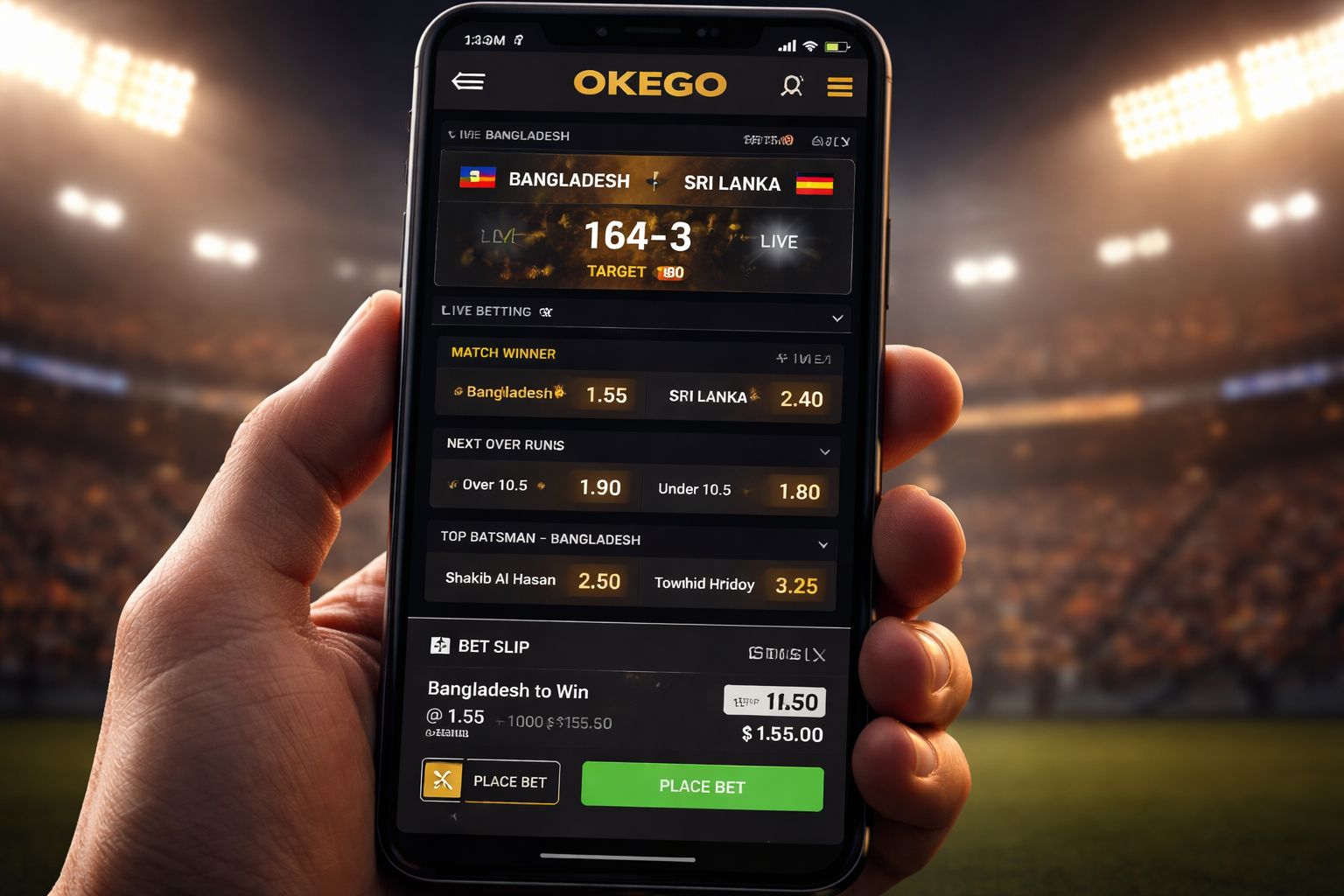
- 🎯 One-tap Quick Bet mode for in-play cricket
- 🔊 Dealer chat holds sessions properly (no random disconnects)
Data consumption:
- 📊 Roughly 15–25 MB per hour of live casino play
- 📊 About 5–10 MB per hour of spinning slots
- 📊 Around 60–100 MB per hour of live cricket streaming
- 📊 Drop video quality to SD in settings to slash data use in half
🎁 App-Only Rewards You Can Claim
Two promotions unlock strictly through the mobile app:
1. First-install free bet: ৳ 250
- Credited to any account that installs the app for the first time
- Zero deposit required — genuine free wager on any cricket or football line
- Minimum odds of 1.65 or above required to qualify
- Winnings paid in cash with no wagering conditions attached
2. Push notification perk: ৳ 60 in free spins weekly
- Keep notifications enabled and stay logged in
- Every Monday morning, 6 free spins land on the slot of the week
- Modest reward but it accumulates nicely over the month
Neither perk shows up on mobile browser or iPhone play. That's how OKEGO nudges people toward the app — reasonable exchange for the faster performance. Check the full promotions list for even more offers.
🛠️ Fixing Issues & Handling Updates
Install fails to complete:
- Confirm "install unknown apps" is toggled on for your browser
- Ensure at least 120 MB of free device storage
- Delete any previous OKEGO version before installing the new one
- If installer reports "app not installed" — clear your Downloads folder and retry
App won't launch after installing:
- Force close and relaunch from your app drawer
- Reboot your phone completely
- Uninstall and reinstall from the official source (last option)
Live streams stutter or freeze:
- Toggle between Wi-Fi and mobile data
- Kill background apps eating memory
- Reduce stream resolution via the game settings gear icon
- Older devices on Android 6–7 sometimes struggle with HD feeds — that's normal
Handling updates:
- App auto-checks for new builds on every launch
- When ready, a red dot appears on the settings icon
- Tap it, pull the new APK, install over the existing version (your login persists)
- Roughly every 5–7 weeks a fresh update drops — mostly bug fixes and new game additions
If nothing resolves your issue, reach live chat support through the sign-in page. Bangla-speaking agents typically respond in under 3 minutes, or email [email protected] for slower queries.
❓ Common Questions
Yes, provided you pull it from the official OKEGO domain. The APK carries a digital signature and passes malware scans before every release. Steer clear of file-sharing links from Facebook groups or unknown forums — those can be tampered with.
Google's blanket policy. They don't permit real-money gambling apps in Bangladesh's Play Store. Every legitimate Bangladeshi casino distributes via APK — this is standard practice, not suspicious.
Unfortunately no native iOS app exists. iPhone users access everything through Safari — identical features except for the app-exclusive bonuses.
Approximately 15–25 MB per hour of live casino, 5–10 MB per hour on slots, and 60–100 MB per hour for live cricket streams. Lower the video resolution in settings to significantly reduce usage.
No, updates layer on top of the existing install. Your saved logins, betting history, and game preferences all carry across without a hitch.
Yes. A single account can stay logged into 2 devices concurrently. Betting from both at the same time isn't advised — it can trigger fraud detection reviews.
Your account stays completely intact. Sign back in through mobile browser or reinstall the app — nothing gets deleted.
The Android APK works on tablets without issue. The interface adapts to the larger screen automatically. iPad owners rely on Safari.
💭 Wrapping Up
Is the app essential? Not really. The mobile browser experience at oke-go.com does the job. But if you're logging in more than an hour or two per week, the app runs faster, smoother, and hands you a ৳ 250 free bet on first install.
That ৳ 250 free bet on its own justifies the two-minute install — it's among the best no-deposit deals I've seen from any Bangladeshi operator this year. Stack it with the standard welcome package and you're launching with genuine bankroll.
Only ever pull the APK from the official OKEGO app section. Everything else is a security gamble you don't want to take. Simple as that.